
Opt-In Form
Access the Course Redesign Opt-In form.
Log in using your FIU Credentials
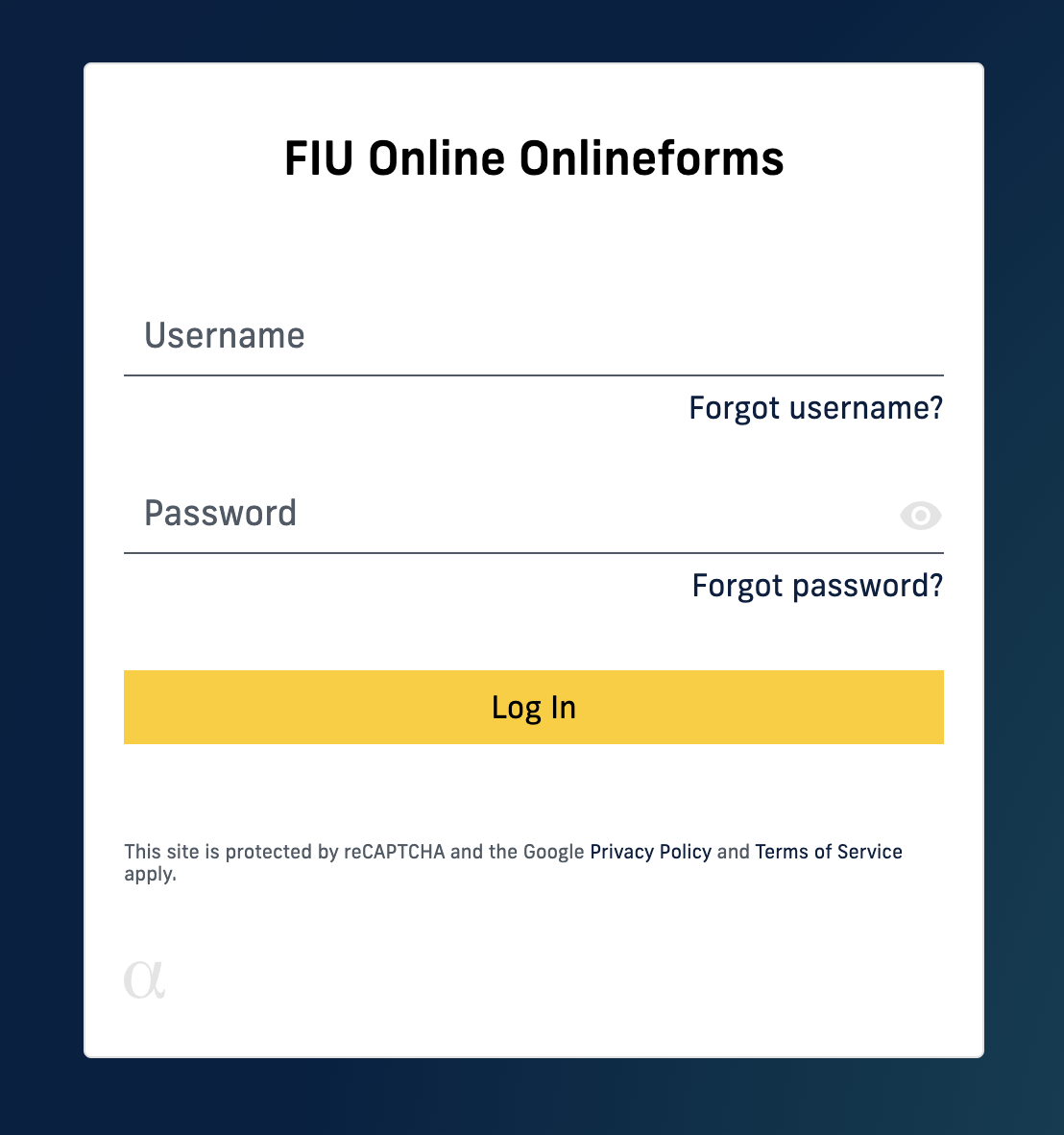
Once logged in, your assigned fully online sections will populate
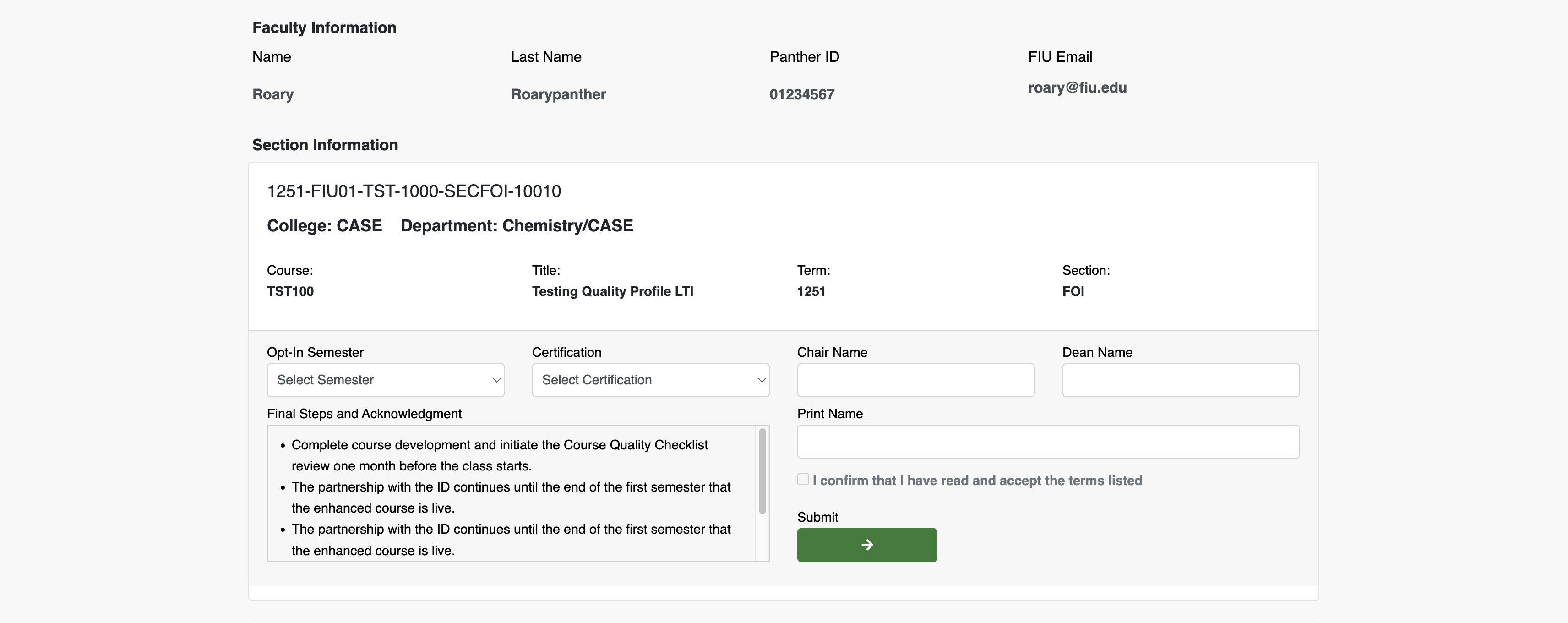
Begin by identifying the course you wish to opt-in to redesign.
Note: Only your fully online sections are eligible for redesign. You will see your current assignments, the previous term's assignments, and your next term's assignments. For example, if the current term is Spring 2021, your Fall 2020, Spring 2021, and Summer 2021 assignments will be available for you to select to opt-in.
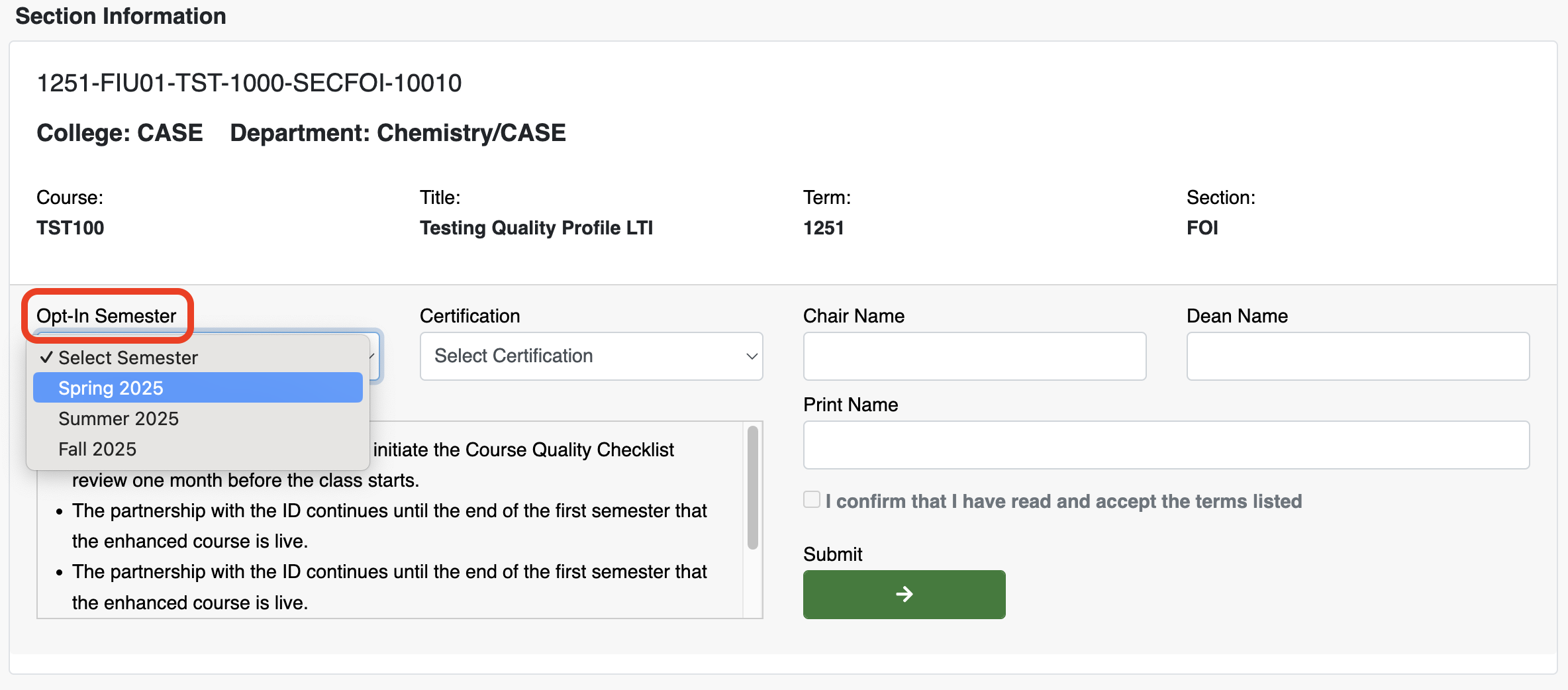
Opt-In Term
Once you have identified the course you would like to redesign, begin filling out the form. Start with the opt-in semester you wish to be paired up with an instructional designer. For example, you may select this current term as your opt-in term to work on a current or future term course redesign. Please make sure to opt in by the appropriate timelines.
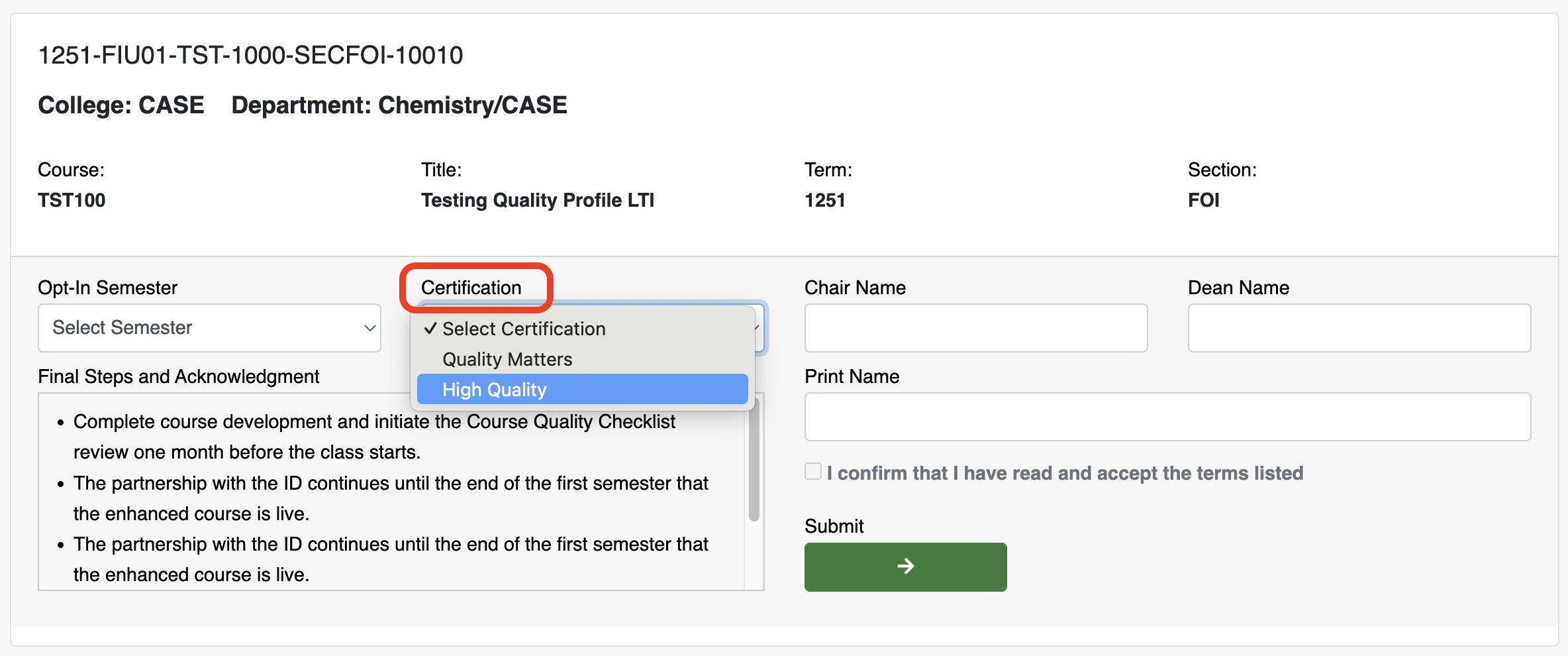
Dean and Chair Information
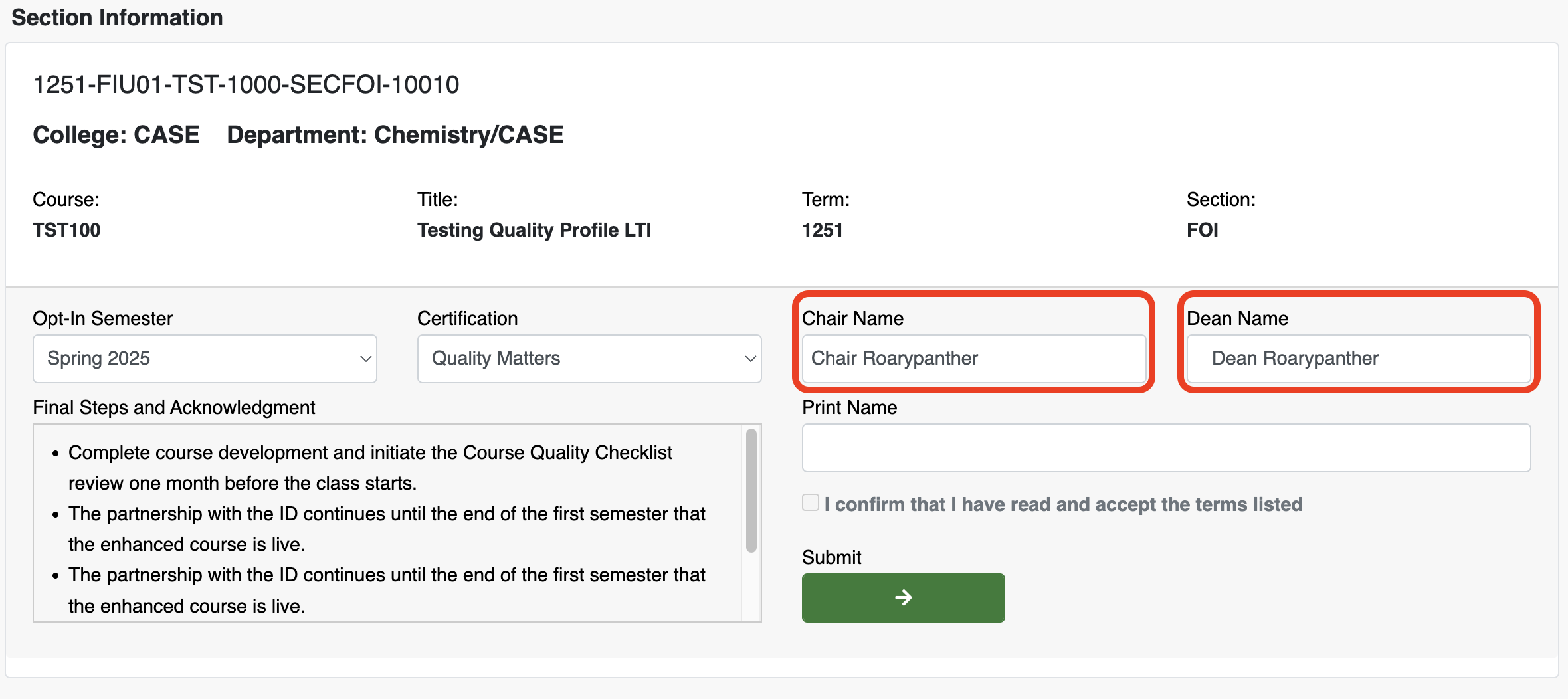
You may be teaching courses for multiple colleges and departments. As such, please manually type in the name of the Dean and Chair for the college and department the course corresponds to. In addition, you may include any comments or notes pertaining to the course you are opting in for redesign.
Submit
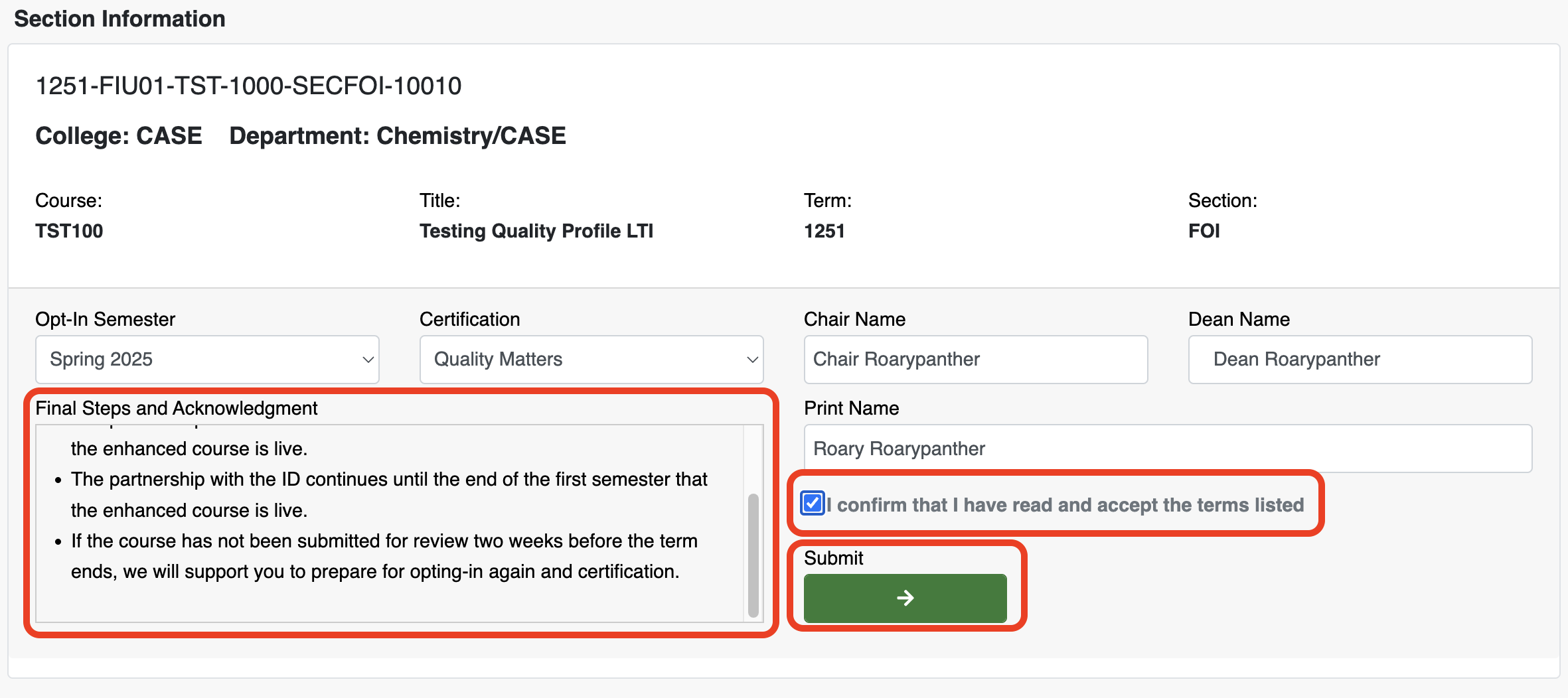
Once all fields have been filled in, you may submit your course.
Successful Submission
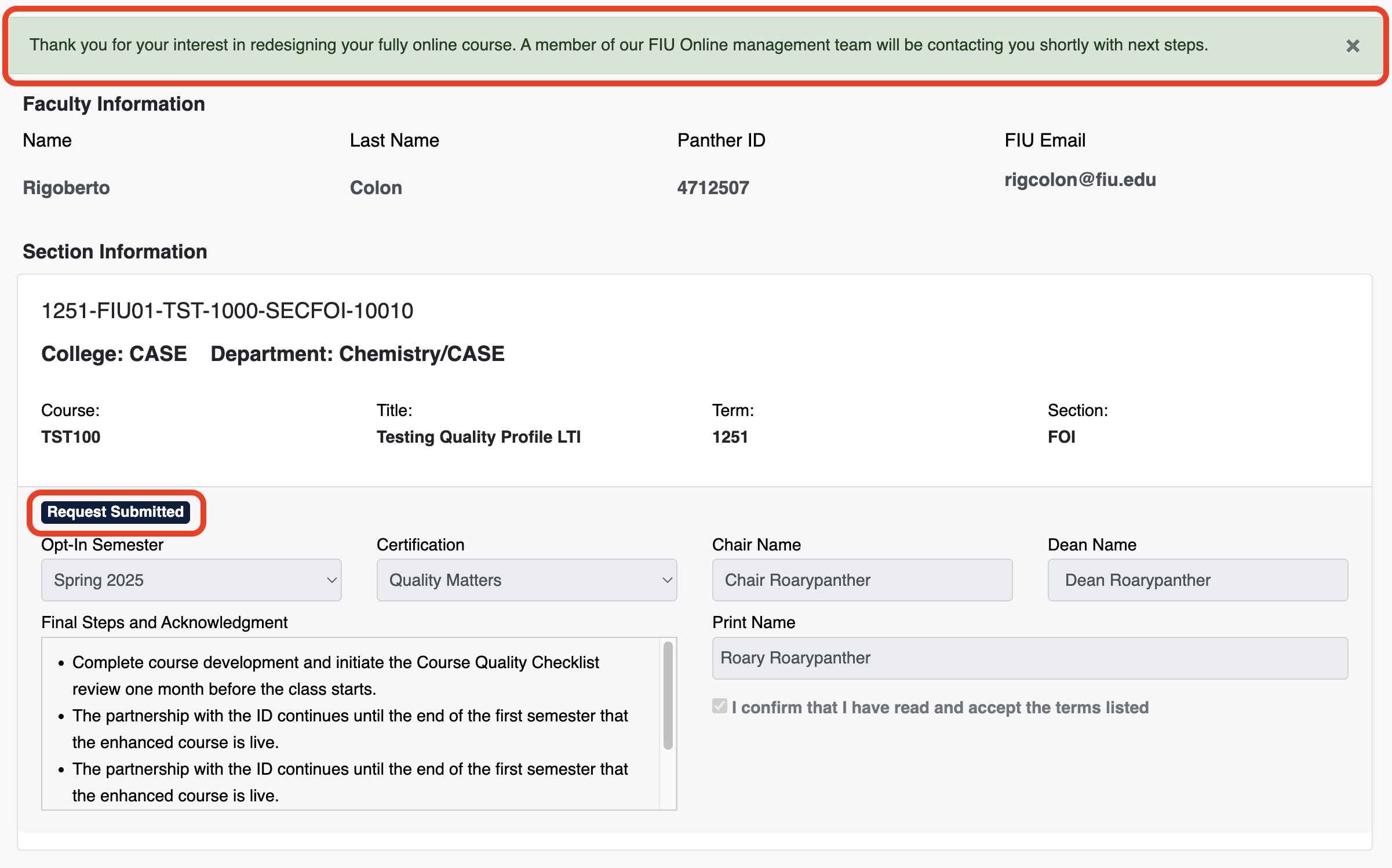
You will receive this green confirmation banner stating your course has been successfully submitted for redesign. This will notify our FIU Online Learning Design Management team to reach out to you with next steps. In addition, "Request Submitted" will also be reflected under the section information for each course you submit for redesign. Please note, you will only be able to submit the course once.
Support
Should you need additional assistance in completing the form, please feel free to contact your instructional design team.